Key Takeaways
- Start with five numbers, each with a written definition and one owner.
- A one-page dashboard and a 20-minute weekly review beat a large platform at this size.
- Clean your customer list first, because it improves marketing, invoicing and support at once.
- Add tools only when reporting takes a full day or combines many systems.
If you run a company of 5 to 50 people, a data strategy does not need a steering committee, a platform or a six-figure budget. It needs a short list of numbers that matter, one owner for each and a habit of looking at them every week. A growing company often starts here before it hires a specialist. When you outgrow it, data strategy consulting can extend the same plan across more teams.
I have helped small companies, agencies and local retailers set this up, and the pattern is consistent. The winners picked a few simple actions and did them well. The ones who struggled bought software first. Here are six simple wins in the order I would do them.
Six Simple Wins for a Small Company
Each win takes days, not months, and none requires new software. Together they cover most of what a small company needs from a data strategy.
1. Pick Five Numbers and Write Down What They Mean
Choose the five figures that tell you whether the business is healthy, such as monthly revenue, new customers, repeat purchase rate, cash on hand and the hours your team spends on delivery. Write one sentence for each, covering exactly what is counted and what is left out. “Revenue” might mean invoiced amounts excluding tax and refunds.
This sounds trivial, and it removes more arguments than any tool. In one owner-led company I worked with, the founder and the bookkeeper had two versions of monthly revenue that differed by 11 percent, because one counted deposits. A shared sentence settled it in ten minutes.
2. Give Each Number One Owner
A number without an owner decays. Name one person for each of the five numbers who is responsible for updating it and explaining it when it moves. In a small company that is often the same two or three people, and that is fine.
Owners do not need a title. They need a calendar reminder and a place to put the answer. If nobody wants a number, ask whether you should be tracking it at all.
3. Put the Numbers on One Page
Build a single sheet or dashboard where the five numbers appear with last month, this month and the target. Google Sheets, Excel or a free dashboard tool are enough. Pull the data in by hand at first, and automate only the step that costs you the most time.
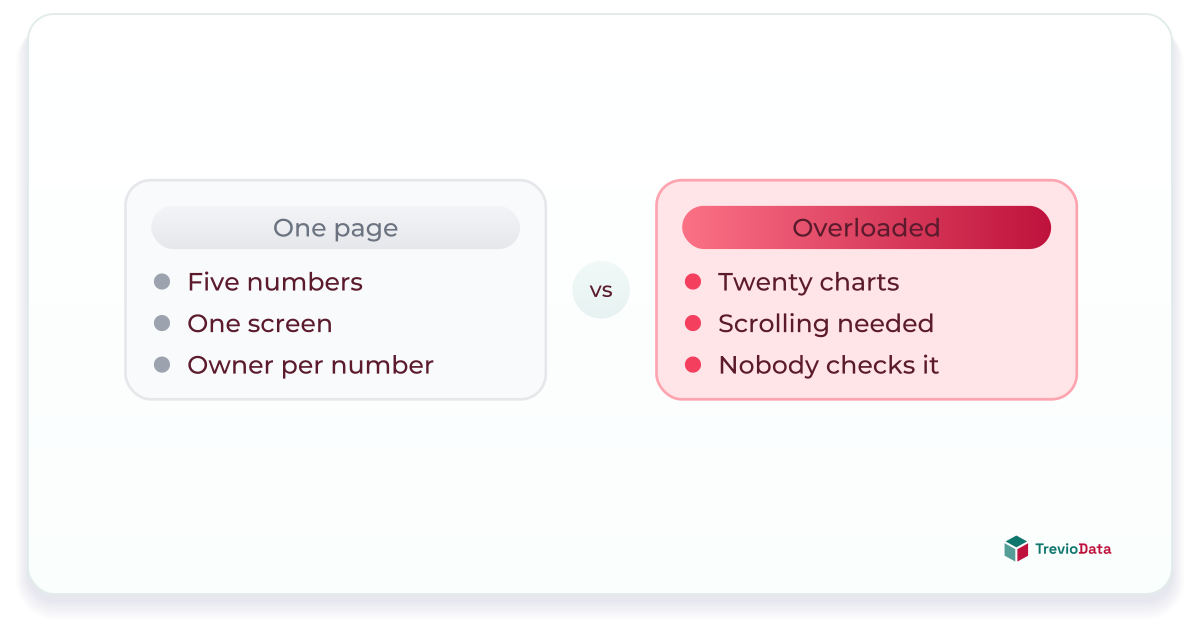
The page should fit on one screen. If you need to scroll, you have too many numbers. I review client pages by asking whether the owner can read it in 60 seconds during a Monday meeting.
4. Clean the One List That Matters Most
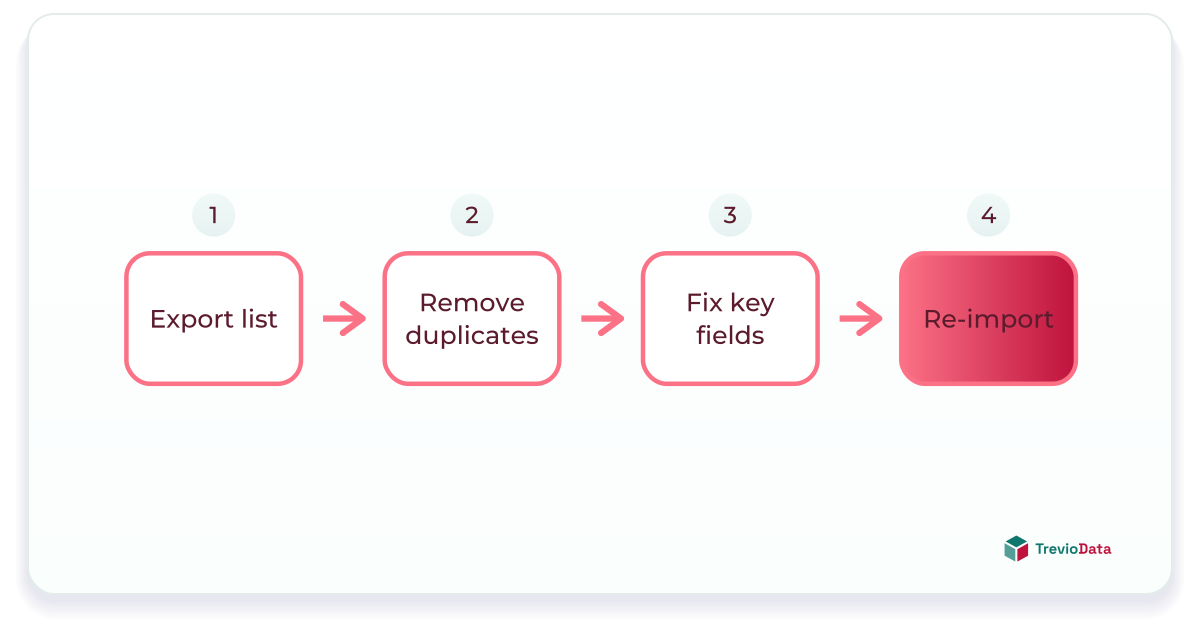
For most small companies, that list is customers. Merge duplicates, fix obvious errors, add a source field and decide where the master copy lives, whether that is a CRM, your accounting tool or a sheet. Set a monthly 30-minute slot to repeat it.
A clean customer list improves email results, invoicing and support at the same time. The cost is a few hours, and in many cases the savings show up in the next campaign when fewer emails bounce.
5. Decide Who Can See and Change What
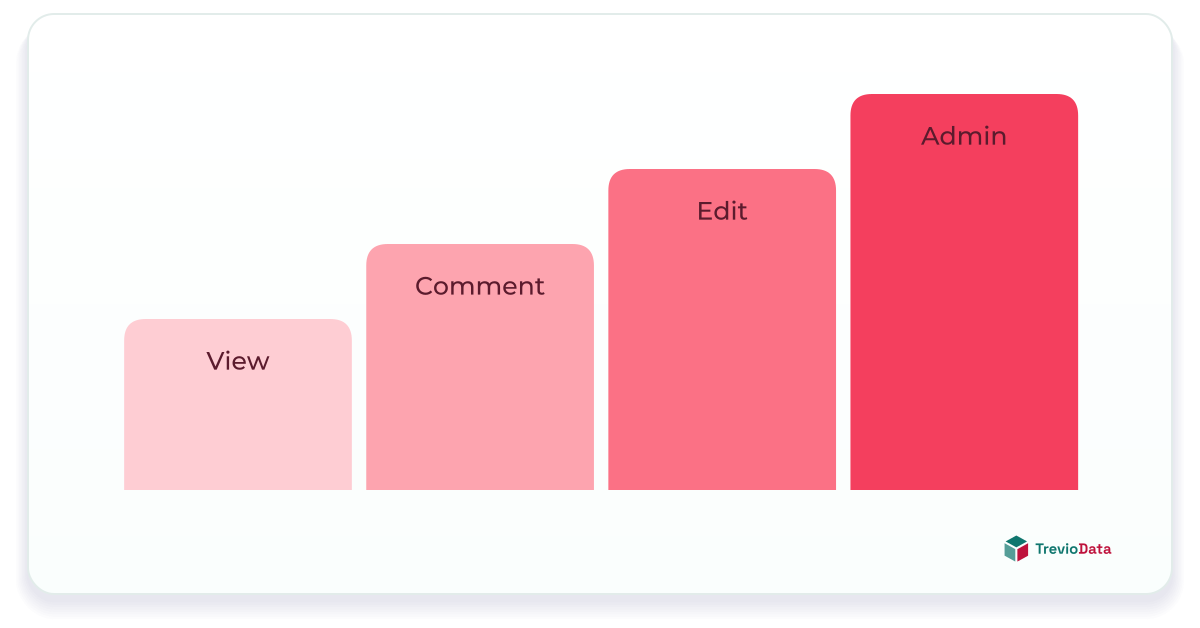
Small companies share logins, forward spreadsheets and leave former staff with access. Take an hour to list your tools, who has access and what level. Remove old accounts, turn on two-step sign-in for finance and customer systems and keep a short note of where sensitive files live.
This is not a full governance program. It is basic hygiene that protects customer and payment data, and it makes a later governance project far easier. If you handle regulated data such as health records, ask a specialist to check the current requirements for your case.
6. Review in 20 Minutes Every Week
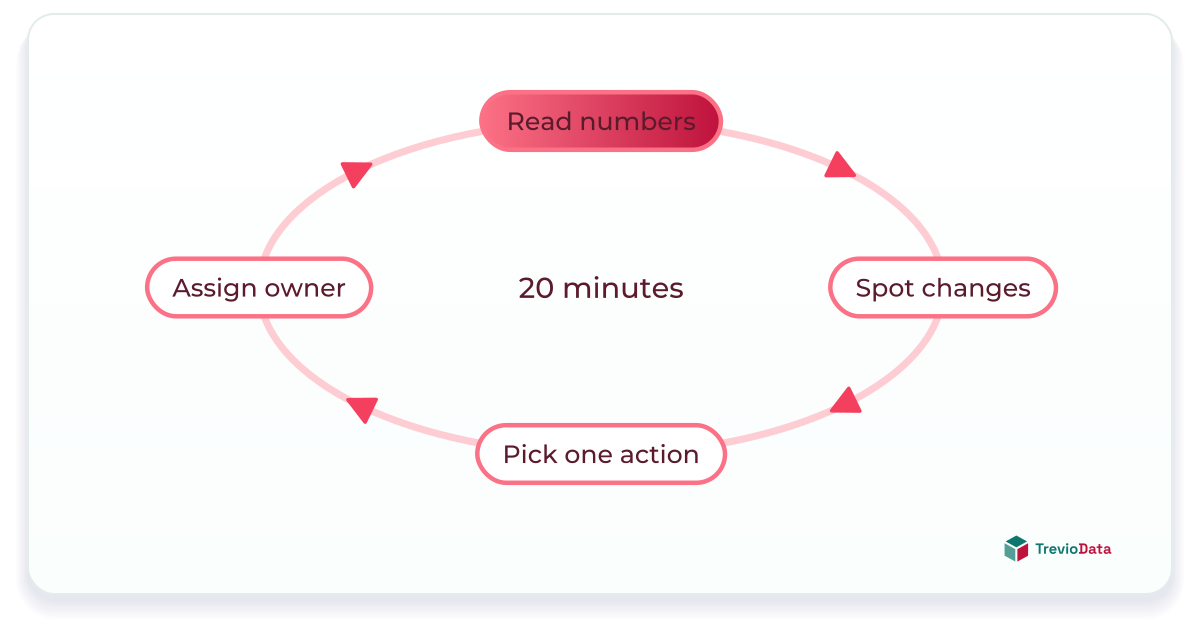
Set a recurring weekly slot where the owners read their numbers aloud, flag anything odd and agree one action. Keep notes in the same sheet. Over a quarter you build a history that shows what works, which is more valuable than any single report.
If the meeting grows past 30 minutes, trim the numbers or the agenda. The habit matters more than the content, and a short meeting survives busy weeks that a long one does not.
What It Costs and How Long It Takes
The table gives typical ranges from small-company projects I have seen. Your own figures depend on the tools you already pay for and how much of the work you do yourself.
| Win | Time to set up | Typical tool cost | Who does it |
|---|---|---|---|
| Five numbers defined | 2 to 3 hours | None | Owner and finance |
| Owners named | 1 hour | None | Owner |
| One-page dashboard | 1 to 2 days | Free to a low monthly fee per user | Whoever builds reports |
| Customer list cleanup | half a day, then 30 minutes a month | Often covered by your CRM | Sales or operations |
| Access review | 1 to 2 hours | None | Owner or office manager |
| Weekly review | 20 minutes a week | None | Owners |
Expect two to four weeks from start to a working rhythm. The time that matters is attention rather than money, since the first obstacle is almost always finding a regular slot in busy calendars.
A few examples show how this plays out. A six-person marketing agency tracked billable hours, project margin, new leads, lead-to-client rate and unpaid invoices. After a month, the owner saw that two clients took 40 percent of the hours and produced little margin, which changed how the agency priced new work. A small online shop tracked orders, return rate, repeat customers, ad cost per order and stock cover, and found that returns were concentrated in two products it could fix.
Neither company bought new software. Both wrote the definitions down, named owners and met weekly. Results like these are common at this size, because the first improvement comes from looking at the right numbers consistently, not from technology. Treat the examples as illustrations of the pattern and choose your own five numbers based on your goals.
Which Tools Are Enough at This Stage
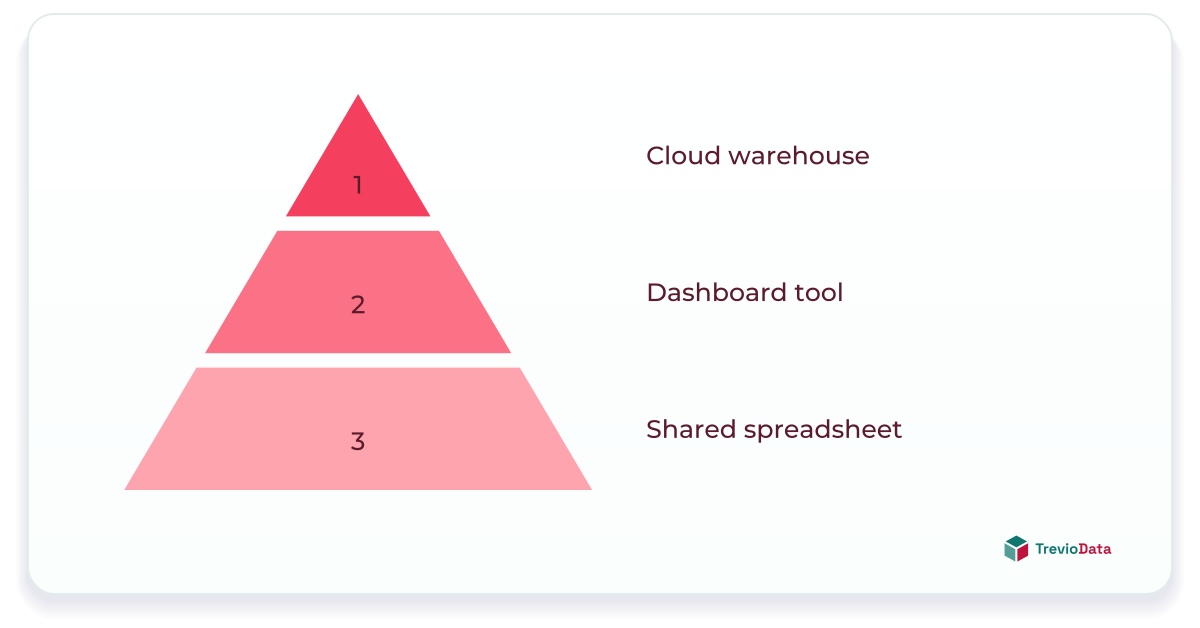
Start with what you have. A spreadsheet, your accounting package and your CRM cover a surprising amount. Add a free or low-cost dashboard tool when the one-page sheet becomes tedious to update. Wait on a warehouse until you have more than a few thousand rows to combine from several systems, or until reporting takes someone a full day each month.
When you do reach that point, move deliberately. My data strategy roadmap shows where platform spending belongs in the sequence, and the answer is later than most vendors suggest.
Mistakes Small Companies Make
The most common is buying a tool to feel organized. A dashboard product with nothing agreed about definitions just shows disagreement in color. The second is tracking twenty numbers because they are available. Five numbers you act on beat twenty you glance at. The third is making one person the only keeper of everything. When that person leaves, the knowledge goes with them, so write the definitions down and share them.
A fourth mistake is waiting for perfect data. Your first dashboard will contain errors. Publish it with a note on what you doubt, and fix the biggest source of error each week. People trust data more when they see you correct it openly.
One more habit helps: keep a short change log in the same sheet. When you change a definition, add a tool or fix a source, write the date and one line. Six months later, when a number jumps, you can see whether the business moved or the measurement did.
When to Move Beyond the Basics
Signs that you are ready for a more structured plan include reports that take a day or more to produce, several systems that must be combined, a first hire dedicated to data or a customer or regulator asking questions you cannot answer quickly. At that point, test where you stand with a data strategy assessment and compare the gaps with the full data strategy framework.
Delivery gets harder as you grow, because more people and systems get involved. The lessons in data strategy implementation are worth reading before you start a bigger project.
If you are the owner, resist the urge to build all of this yourself over a weekend. Hand the dashboard to someone on your team, review it with them and keep your own time for the decisions. Delegating the build also spreads the knowledge, so the sheet keeps working when you are away. Check in after the first month, ask which number people trust least and fix that one next.
How to Choose Your First Win
You do not need to do all six at once. Choose the one that fixes the pain your team mentions most often. If people argue about numbers, start with win 1. If reports take too long, start with win 3. If emails bounce or invoices go to the wrong place, start with win 4.
- You can finish it in a week with the people you have.
- It needs no new software or a tool you already own.
- Someone will notice the improvement within a month.
- You can name who owns it afterward.
If you want a second opinion on which win comes first, a short call with a specialist can sort that in an hour and give you a written plan for your size.
Questions About Data Strategy for Small Business
Does a Small Business Really Need a Data Strategy?
You need a plan for your data, but it can be one page. Five key numbers, a named owner for each and a weekly check cover most of what a small business needs. A full strategy document is more than you need until you have several systems and teams.
How Much Should a Small Business Spend on Data?
Most small companies can start for little or nothing, using tools they already own. Spend more only when a specific problem, such as a day of manual reporting each month, justifies it. Track time saved so you can compare it with the cost.
Which Tools Should We Start With?
A spreadsheet, your accounting software and your CRM. Add a free or low-cost dashboard tool when updating the one-page sheet becomes tedious. Skip warehouses and pipelines until reporting takes a full day or combines many systems.
Who Should Own Our Data?
Each key number needs one owner, and the business owner or a manager is usually best. Data ownership should sit with the people who understand the numbers, rather than with whoever manages IT. Write the owners next to the definitions.
How Long Does It Take to Get Set Up?
Two to four weeks to reach a working weekly rhythm. The actual work takes a few days. Most of the delay comes from finding time in calendars.
When Should We Hire a Data Person or Consultant?
When reports take a day or more, when you must combine several systems or when you need answers your current tools cannot give. A short consulting engagement can set up the plan, and you can hire later when the workload is clear.
How Do We Protect Customer Data on a Small Budget?
Start with access: remove old accounts, use two-step sign-in and stop sharing logins. Keep a short list of where sensitive files live. If you handle regulated data, ask a specialist to confirm the current rules for your case.
Note: This article is general information, not legal, financial or tax advice. Figures and examples are estimates based on typical projects, so check current details with your providers and advisers before you decide.
Was this article helpful?
Thank you for letting us know.
Camille leads the Trevio editorial team and works with our consultants to turn real client projects into practical guides on data strategy, engineering and governance. Before joining Trevio, she spent 11 years in data engineering and analytics roles. She has since edited more than 300 articles on data management and reviewed pipelines and platforms from over 100 client projects. She is based in Denver, Colorado.