Contact

Data Integration Consulting

Your CRM, billing tool, warehouse and apps agree with each other, with connections built to run without babysitting. You start with a no-cost consultation and strategy session.

Book a Free Strategy Call
  • See your savings first
  • Zero obligation
  • Instant reply
Trusted by clients in 7 industries
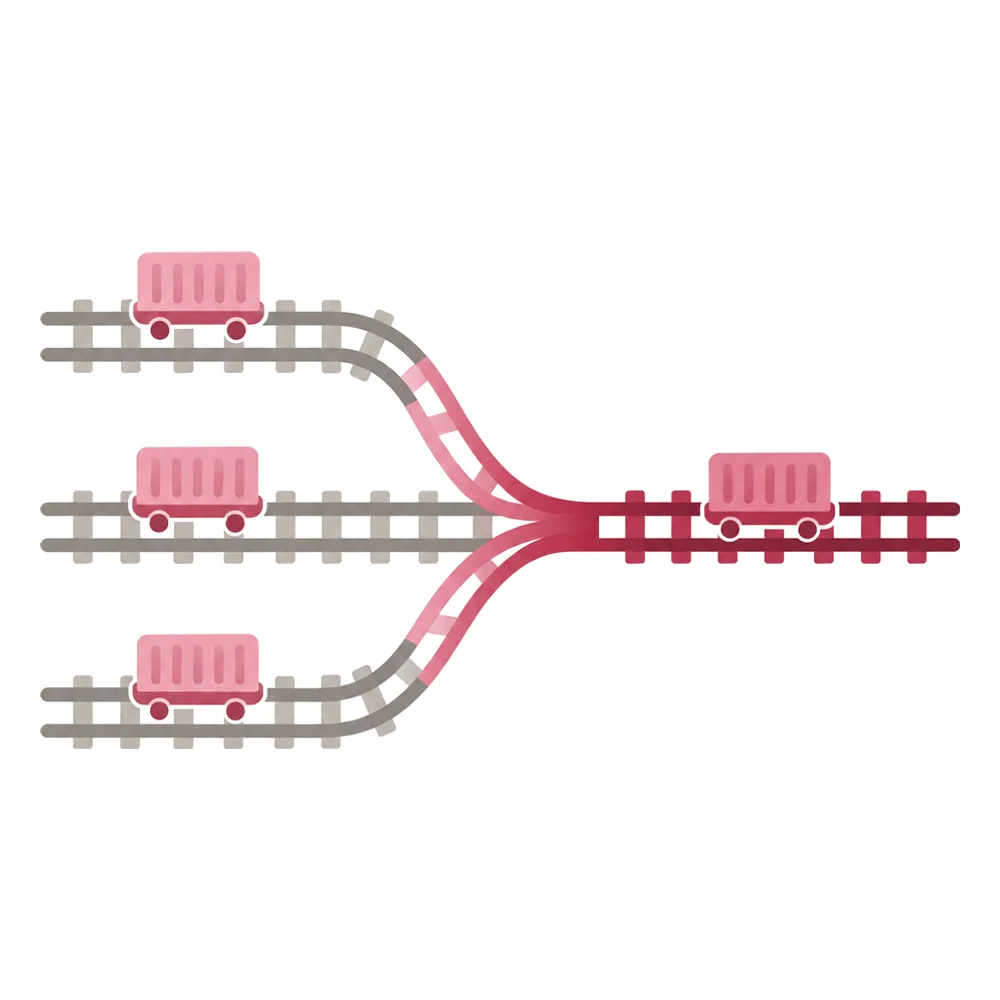
Simplified rail yard where several separate tracks merge into one main line, illustrating systems combined by data integration
  • Full-service, end-to-end data consulting
  • 200+ data pipelines built
  • 60+ warehouse and lake migrations
  • 100+ governance assessments
  • Trusted by clients in 7 industries
  • A free first call and planning session
  • A single point of contact
  • Support in several languages

What Is Data Integration Consulting?

Data integration consulting is a service that designs, builds and runs the connections that combine data from your separate systems, whether through ETL, ELT, APIs or an integration platform, so the same facts show up wherever your team needs them. You start with the decisions your team needs to make, not with a tool.

How Data Integration Works in Your Business

  1. Systems are connectedConnectors pull records from your CRM, billing tool, website, databases and files on a schedule or as events happen.
  2. Fields are matchedCustomer IDs, dates and currencies are mapped by tested rules, so the same customer looks the same everywhere.
  3. Data is combinedRecords from different systems are joined into shared tables, such as customers, orders and revenue, with one agreed definition for each metric.
  4. Flows are checkedAutomated tests and alerts catch late, missing or changed data before it reaches a dashboard or a decision.
  5. Completed result iconYou get one consistent viewReports, analytics and apps run on the same reliable data, and you see integration health every month.

What Data Integration Consultants Actually Do

A good engagement covers the full path from a tangle of exports to integrations your team can run, so you never end up with a pile of scripts nobody understands.

  • System and connection audit
  • ETL, ELT and API integration
  • Field mapping and data models
  • Orchestration, testing and monitoring
  • Tool selection and cost tuning
  • Training and handover

The Hidden Costs of Disconnected Systems

From manual exports to dashboards that disagree, disconnected systems drain time, trust and budget. Yet many teams accept them as part of the job, for no good reason.

  • Hourglass icon1.

    Analysts Spend Their Week Fixing Data

    Skilled people export files, patch broken joins and re-key records, so analysis waits while plumbing gets done by hand.

    Real costHours Wasted Each Week

    Time your best people never get back

  • Warning icon2.

    Reports Show Different Numbers

    Sales, finance and marketing each calculate revenue their own way, and meetings turn into arguments over whose spreadsheet is right.

    Real costDecisions Delayed

    Meetings spent debating the data

  • Inbox icon3.

    Sync Failures Found by the Business

    A sync fails overnight and nobody knows until a manager opens a stale dashboard, often hours after the damage is done.

    Real costTrust Eroded

    Teams stop using the dashboards

  • Growing team icon4.

    Tool Costs Keep Growing

    Overlapping connectors, duplicate licenses and oversized syncs quietly inflate tool costs, and nobody owns the invoice.

    Real costRising Tool Costs

    Spend that grows faster than value

Data Integration Consulting Built Around How Your Team Works

Integration projects that stall usually started with a tool. Yours starts with a clear map of which systems hold which data, who uses it and which decisions depend on it.

From there you get connections between the systems you already run, from your CRM and ERP to cloud storage and spreadsheets. Your team keeps control, and every integration has a clear owner, tested rules and a way to measure whether it is healthy.

Deliverables From Us

  • A ranked list of integrations worth building or fixing
  • Work built on the platforms you already use
  • Automated tests and alerts on every integration
  • Monthly reporting on sync health and cost

Why Solid Data Integration Comes Before Analytics and AI

Dashboards, forecasts and AI models are only as good as the data feeding them. Integration fixes that layer once, so every later project starts from data your team already trusts. Start with the systems that matter most, prove the value and expand from there.

This Suits You If You Want To

  • Quick start iconStop rebuilding the same report from exports every month
  • Rising chart iconAdd new apps without adding manual work
  • Shield iconCatch bad data before it reaches a decision
  • Clock iconGet fresh data when you need it, not days later
  • Connector iconConnect the tools you already use without replacing them
  • Target iconSee what each connection and sync costs you

Your Data Integration Consulting Process, Step by Step

  1. Step 1

    Free Strategy Call

    You talk through your goals, your reports and the data problems that frustrate your team most. Your consultant asks about your systems, volumes and tools, and points out where integration is likely to pay off first.

    You get a summary on paper and a likely cost

    Kept short and written, so colleagues can weigh in before you commit.

  2. Step 2

    Integration Audit

    Your systems, existing connectors and manual exports are reviewed for reliability, speed, cost and risk. You see which syncs fail, which numbers disagree and what each fix would return.

    You receive a prioritized plan and a fixed price

    Priorities, timing and one fixed price for your first project.

  3. Step 3

    Build and Test

    Integrations are built in small releases and checked against numbers you already trust. Your team checks the field mappings, approves the definitions and tests everything before it goes live.

    You get working integrations, ready to launch

    Connected to your systems, with tests, alerts, documentation and training for the people who own them.

  4. Ongoing

    Run and Improve

    Your account manager tracks integration health and cost every month. New systems are added to the plan as your needs grow, and slow or costly syncs are tuned.

    You get monthly integration reports

    Uptime, data freshness and tool cost in one clear report, plus support whenever you need it.

Deliverables With Data Integration Consulting

Pick one service or the complete program, from audit to ongoing support.

  • Every System and Connection, Mapped

    Your audit lists each system, connector and owner, and scores them for reliability, speed and cost.

  • Integrations Built to a Clear Design

    You approve the integration pattern, field mappings and metric definitions before anything is built.

  • Your Systems Connected and in Sync

    CRM, ERP, billing, web analytics and databases connected through ETL, ELT, APIs or an iPaaS.

  • Tests and Alerts on Every Integration

    Late, missing or odd data triggers an alert before it reaches a dashboard.

  • Your Team Is Trained Before Launch

    Short sessions and written runbooks so every integration has a confident owner.

  • Monthly Reporting and Tuning

    You see uptime, freshness and cost, and slow or expensive syncs keep getting better.

Data Pipelines Built200+
Warehouse and Lake Migrations60+
Several cables with plugs gathered through a clamp into one bundled cable, showing separate systems connected into one flow
Lighthouse with a sweeping beam over waves, symbolizing steady watch over data syncs between connected systems

Data Integration Consulting Results From Real Clients

12 Systems Moved in 5 Months

“We were stuck on an aging warehouse and a pile of brittle scripts. Trevio planned the move in phases, ran both systems side by side and cut us over without a single day of downtime. Our team now owns the new setup and understands it.”

ME
Marcus EllisonVP of IT, Healthcare Network

1 Source of Truth in 90 Days

“Customer records lived in five tools with five spellings. Trevio matched and merged them, then set up rules so duplicates stop coming back. Sales now works from one clean list and our campaign bounce rates dropped by a third.”

TB
Tom BrennanMarketing Operations Manager, Manufacturer

Cut Reporting Time by 40%

“Trevio mapped where our numbers disagreed and fixed the pipelines behind them first. Monthly reporting went from six days to under four, and finance finally trusts the dashboards. Every step was explained clearly and handed over with documentation.”

LJ
Laura JensenFinance Director, Retail Group

Your Data Before and After Integration

Where hours go now, and how many your team can win back.

Before Integration

  • Reports rebuilt by hand from exports
  • Syncs fail without anyone noticing
  • Customer records differ in every tool
  • Duplicate connectors and licenses pile up
  • Scripts that only one person understands

After Integration

  • Reports refresh from connected systems
  • Alerts fire before the business notices
  • One agreed record for every customer
  • Cost tracked per connection
  • Documented integrations your whole team can run

Benefits of Data Integration Consulting for Your Business

Why outside help pays off when you connect your systems.

Clock iconHours Saved Every Week

Manual exports, spreadsheet patches and re-keyed records often eat several hours per person every week. Automated integrations do that work on schedule, so your team spends its time on analysis and decisions.

Shield iconYou Get One Version of the Truth

Shared field mappings and tests check every sync the same way. Duplicates, gaps and format errors are caught before they reach a report, which ends the arguments over whose number is right.

Rising chart iconYou Add New Systems Without Rework

A well-designed integration layer takes a new app or a larger volume without a rewrite. You plug in a new system instead of wiring it to every other one, and costs grow slower than usage.

Target iconYou Avoid Expensive Failed Projects

Many integration projects stall because they start with a tool purchase. Consulting starts with the business questions, so your first project is small, measurable and built to pay back before you expand.
Data Integration Consulting Pricing and ROI

Every project gets a fixed quote after a free integration audit. Here is what automated syncs typically give back, depending on how many manual data tasks your team handles each week.

Manual data tasks per weekHours back per weekHours back per yearValue per year
50 17 hrs867 hrs$34,667
100Common first step 33 hrs1,733 hrs$69,333
200 67 hrs3,467 hrs$138,667

What to Expect Before Your Data Integration Project Starts

  • Hidden fees

    Clear Costs Before Work Starts

    After the audit you get a fixed price, with nothing hidden and no surprise bills.

  • Projects that should not start

    An Upfront Fit Assessment

    If your systems are not ready to be connected, you hear it on the first call, along with what to fix first.

  • Fuzzy status updates

    Straight Answers Throughout

    Every week: a short status on done items, open blockers and your to-dos.

  • Weeks of waiting

    A Short Written Plan After We Speak

    After we speak, you get a written recap covering what to tackle first, how long it takes and what it costs.

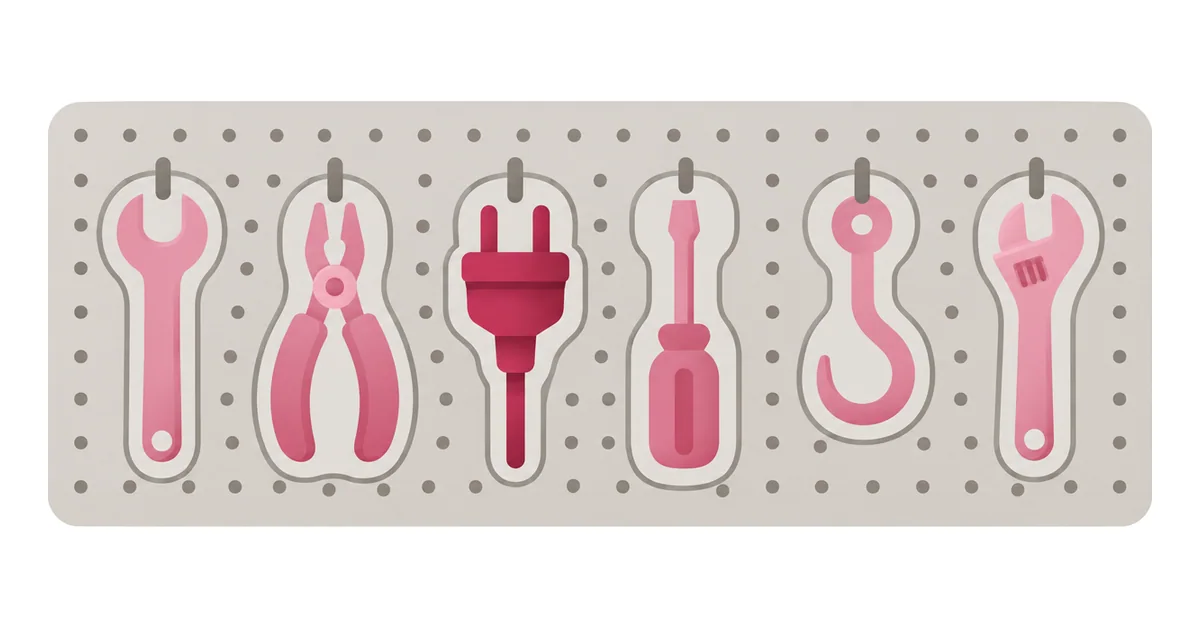
Pegboard tool wall of adapters and connectors, one highlighted, showing integrations fitted to the tools already in your stack

ETL, ELT and API Integrations That Fit the Stack You Already Use

No rip-and-replace projects. Your CRM, billing tool, databases and files are connected to the tools you already run, so your team keeps working the way it knows while the moving, mapping and scheduling run on their own.

Data moves on a schedule or as events happen, without exports or copy and paste. You get a straight comparison of data integration tools when a new one is worth buying, which keeps your costs low and your team’s adoption high.

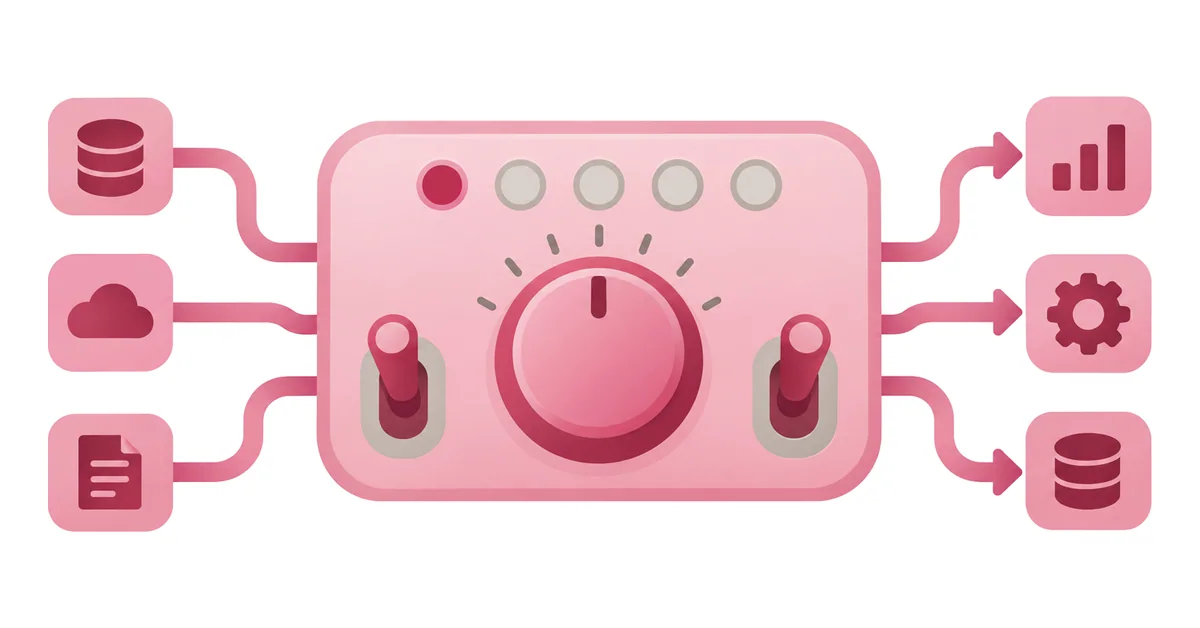
Control panel with a dial, indicator lamps and toggle switches, representing sync alerts that keep your team informed

Sync Monitoring and Alerts That Keep You Informed

A connector that runs is not the same as one you can trust. Every sync includes tests for freshness, volume and schema, so a late file or a renamed field raises an alert right away.

Each alert comes with a plain-language runbook, so whoever is on call knows what broke, who is affected and how to fix it. Your business users hear about problems from you, not the other way around.

Data Integration Consulting for Your Industry

The integrations that pay back first in your sector.

Healthcare

Connect EHR, claims and scheduling data with strict access controls and audit trails. See healthcare data consulting for sector-specific work.

Retail and Ecommerce

Combine orders, inventory, web traffic and ad spend into one view, so promotions and stock decisions use the same numbers. Many retail teams land the result in a data warehouse.

Financial Services

Sync transactions, risk and reporting data on reliable schedules with full lineage, so every figure can be traced back to its source. A solid data platform makes audits far easier.

Software and B2B

Join product usage, billing and CRM data to see churn, expansion and cost per customer. Most of the work is joining many SaaS tools, and a solid data engineering setup keeps it maintainable.

How to Choose the Right Data Integration Consulting Partner

The right partner makes the difference between integrations that quietly run for years and a set of scripts that breaks the day the builder leaves. Before you sign, check that your data integration consulting partner can show you each of these:

  • A clear audit process that ranks work by cost, risk and return
  • Hands-on experience with the systems and tools you already use
  • Tests, monitoring and runbooks designed in from day one
  • A fixed quote before the build starts, with no hidden extras
  • Monthly reporting on sync health and tool cost

Also ask who owns the code after launch. You should receive the code, documentation and training, so the capability stays inside your business.

What You Can Count On From Your Data Integration Partner

  • Quote sheet icon

    Upfront Fixed Pricing

    Know exactly what you pay before any build starts.

  • Coin icon

    Top-Quality Work Without Big-Firm Fees

    Full support from first idea to finished result, sized for a first project.

  • Project lead icon

    One Named Contact

    A dedicated lead who knows your project inside out and replies quickly.

  • Shield icon

    Your Data Is Safe With Us

    Need-to-know access, documented flows and NDAs on request.

Data Integration Consulting FAQs

What Is the Difference Between Data Integration and Data Migration?

Migration moves data from one system to another once, usually because you are retiring the old one. Integration keeps two or more live systems in sync over time, so your CRM, billing tool and warehouse keep agreeing with each other. Many projects need both: a one-time move first, then ongoing integration. Your audit separates the two, so you only pay for the work you need.

Do You Work with the Tools We Already Use?

Yes. Integrations are built on what you already run, such as Fivetran, Airbyte, Informatica, Talend, MuleSoft, Boomi, Azure Data Factory, AWS Glue, dbt or plain APIs. New tools are only recommended when they clearly pay for themselves, and you see the reasoning in writing before anything is bought. That keeps costs down and your team working in a stack it already knows.

How Long Does a Data Integration Project Take?

A single well-documented connector can go live within days. A project with several systems, custom APIs and messy source data takes weeks to a few months. After the audit you get a timeline and a fixed quote. Work is delivered in small releases, so you see data flowing early and can compare it with numbers you already trust.

How Much Does Data Integration Consulting Cost?

The cost depends on the number of systems, how good their APIs are, the data volume and how much testing and monitoring you need. You get a realistic range on your free discovery call and a fixed quote after the audit, so there are no surprises later. Most first projects are scoped small on purpose, so they prove their value before you expand.

Should We Choose ETL, ELT or an IPaaS Tool?

It depends on where your data ends up and who maintains the flows. ELT into a cloud warehouse suits analytics. iPaaS suits real-time sync between business apps. ETL still makes sense when data must be cleaned or masked before it lands. Many companies use two of these side by side. You get a recommendation based on your systems, volumes and team skills, not on a vendor preference.

How Is Our Data Protected?

Security is designed in from the start. Credentials live in a secrets manager, access follows least-privilege rules and sensitive fields can be masked or encrypted in transit. Wherever possible, data moves inside your own cloud account, and every flow is documented so your security team can review it. Healthcare and finance data get extra review, and NDAs are available on request.

What Happens When a Source System Changes Its API?

Every integration ships with schema checks, alerts and retries, so a renamed field or a changed endpoint triggers a message before it corrupts a report. Each alert points to a runbook with the likely cause and fix. If you keep a support plan, your account manager handles the change and updates the documentation, so the same break does not catch you twice.

Can You Fix the Integrations We Already Have?

Yes. Many engagements start with an audit of existing connectors, scripts and manual exports: which ones fail, which ones are slow and which ones nobody understands anymore. The worst are rebuilt first, tests and monitoring are added, and your team is trained on the result. You do not need to start from zero.

Do You Support Real-Time Integration?

Yes, where it pays off. Event streaming and webhooks make sense for inventory, fraud checks and customer-facing data. For most reporting, hourly or daily batch loads are cheaper and easier to run, and you hear that honestly on the first call. The goal is the simplest design that meets your real latency need.

Do You Help After Go-Live?

Yes. After launch, your dedicated account manager monitors integration health, handles fixes and suggests improvements every month. Support is available in 5+ languages. As systems are added or replaced, the integrations are updated to match, and you receive full documentation so the capability stays inside your business.

Start Your Data Integration Project With a Free Plan

Get a free integration review and a clear plan for your first connections.

Book a Free Strategy Call

Arrange Your Free Consultation

Please fill in your name.
Please check your email address.
Add a brief subject.
Briefly describe what you want to change.