Key Takeaways
- Snowflake, Databricks and BigQuery lead on storage and compute; pick by team skills and where your data already lives.
- Fivetran and Qlik Talend Cloud move data in, while Informatica adds quality, catalog and master data in one suite.
- Collibra, Atlan and Ataccama sit on top of your platform for governance, cataloging and data quality.
- Most companies need a platform, an ingestion tool and a governance layer, and enterprise tools rarely publish prices, so run a pilot first.
The Best Data Management Software at a Glance
| Tool | Type | Best for |
|---|---|---|
| 1. Snowflake | Cloud data platform | Companies that want a warehouse they barely have to administer |
| 2. Databricks | Lakehouse platform | Teams that combine data engineering, analytics and machine learning |
| 3. Microsoft Fabric | Unified analytics platform | Companies that already run on Microsoft 365, Azure and Power BI |
| 4. Google BigQuery | Serverless data warehouse | Small and mid-sized teams that want a warehouse with no servers to run |
| 5. Informatica | Enterprise data management cloud | Large organizations that need integration, quality and master data in one suite |
| 6. Qlik Talend Cloud | Data integration platform | Teams that need ETL, change data capture and data quality in one product |
| 7. Fivetran | Managed data pipelines | Teams that want data from business apps in the warehouse without writing code |
| 8. Collibra | Data governance and catalog | Enterprises that need formal governance, policies and stewardship workflows |
| 9. Atlan | Active metadata and data catalog | Modern data teams that want a catalog people actually open |
| 10. Ataccama ONE | Data quality and master data platform | Teams whose biggest problem is bad, duplicate or inconsistent data |
The 10 Best Data Management Software Tools, Ranked
I start with the platforms that suit the widest range of teams, then move to ingestion, governance and quality tools. Keep in mind that the tool is only part of the result: in the data management consulting projects I review, agreeing on owners and definitions matters more than the product you pick. If you are still deciding what to build first, my data management strategy guide helps you set priorities before you shop.
Snowflake
A Cloud Data Platform That Takes Most of the Administration Off Your Plate
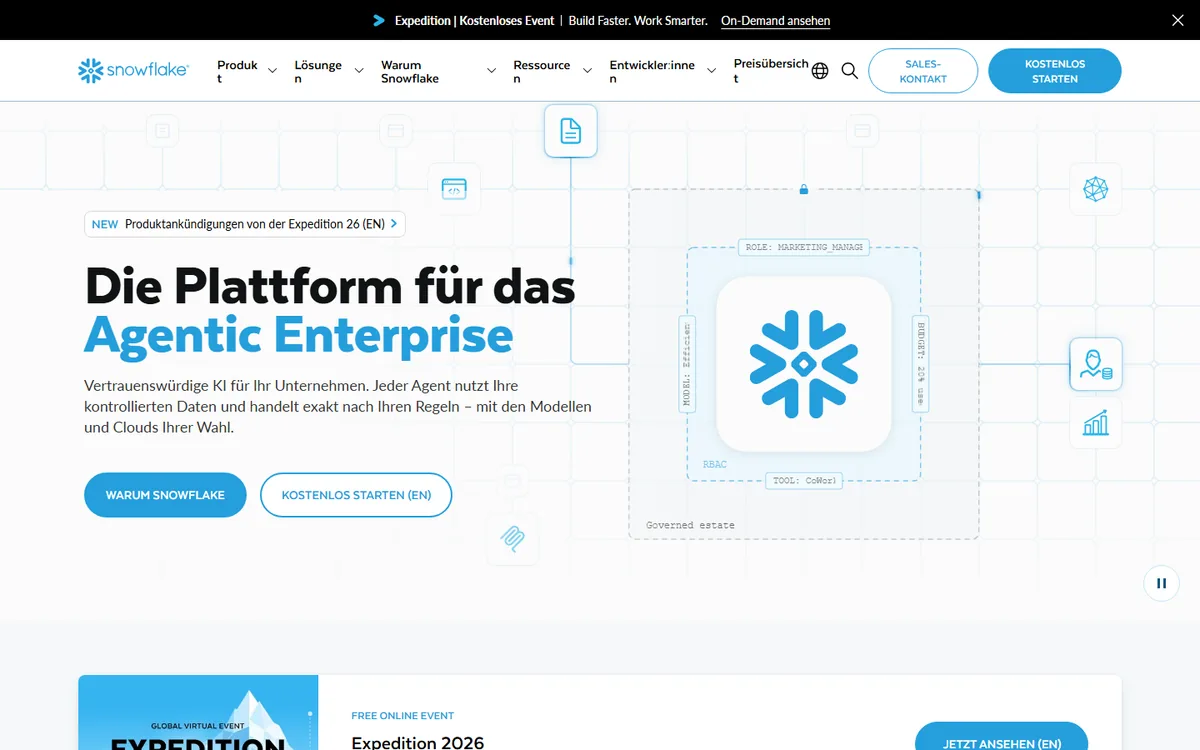
Snowflake stores, processes and shares data in the cloud, with compute and storage that scale separately.
Snowflake is the platform I see most often when a company outgrows spreadsheets and a single database. You load data once, and different teams can query it at the same time without slowing each other down, because each workload gets its own compute. Features such as data sharing let you give a partner access to a table without copying it.
In my experience the biggest win is how little tuning you need. The catch is the bill. Compute runs on credits, and a forgotten warehouse or a badly written query can burn through budget quickly. Set resource monitors on day one and review usage monthly, and Snowflake stays predictable. Once a platform is in place, my data management best practices cover the habits that keep it healthy.
Pros of Snowflake
- Compute and storage scale independently, so a heavy report does not slow your dashboards
- Very little tuning or maintenance compared with older warehouses
- Data sharing between teams and partners without making copies
Cons of Snowflake
- Costs can surprise you without resource monitors and usage reviews
- You still need separate tools for ingestion and governance
Snowflake Pricing
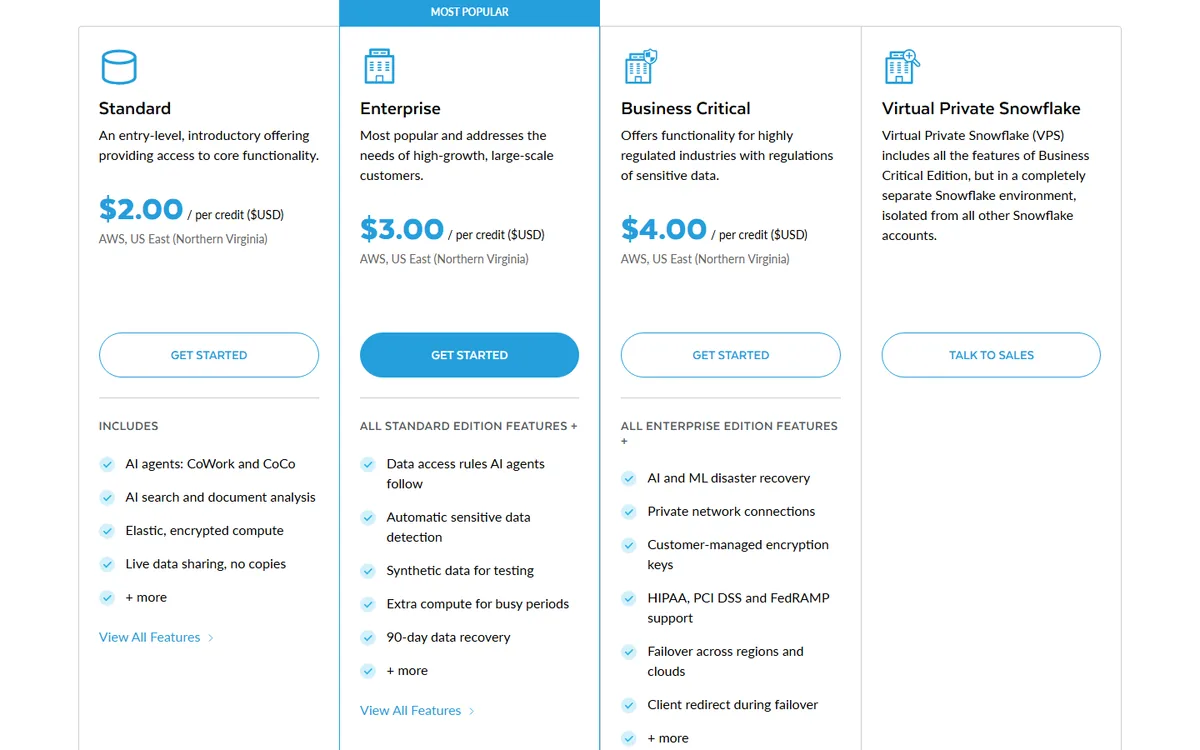
Snowflake uses consumption-based pricing. You pay for compute and for the average compressed data you store each month, and you can buy on demand or pre-pay for capacity. Snowflake sells four editions: Standard, Enterprise, Business Critical and Virtual Private Snowflake. Credit prices depend on edition, cloud and region, so use the vendor's pricing calculator for your setup.
Snowflake Reviews
- G2: 4.6/5 average (from 779 reviews)
- Capterra: 4.7/5 average (from 101 reviews)
Databricks
The Strongest Pick When Data Engineering and Machine Learning Share One Platform
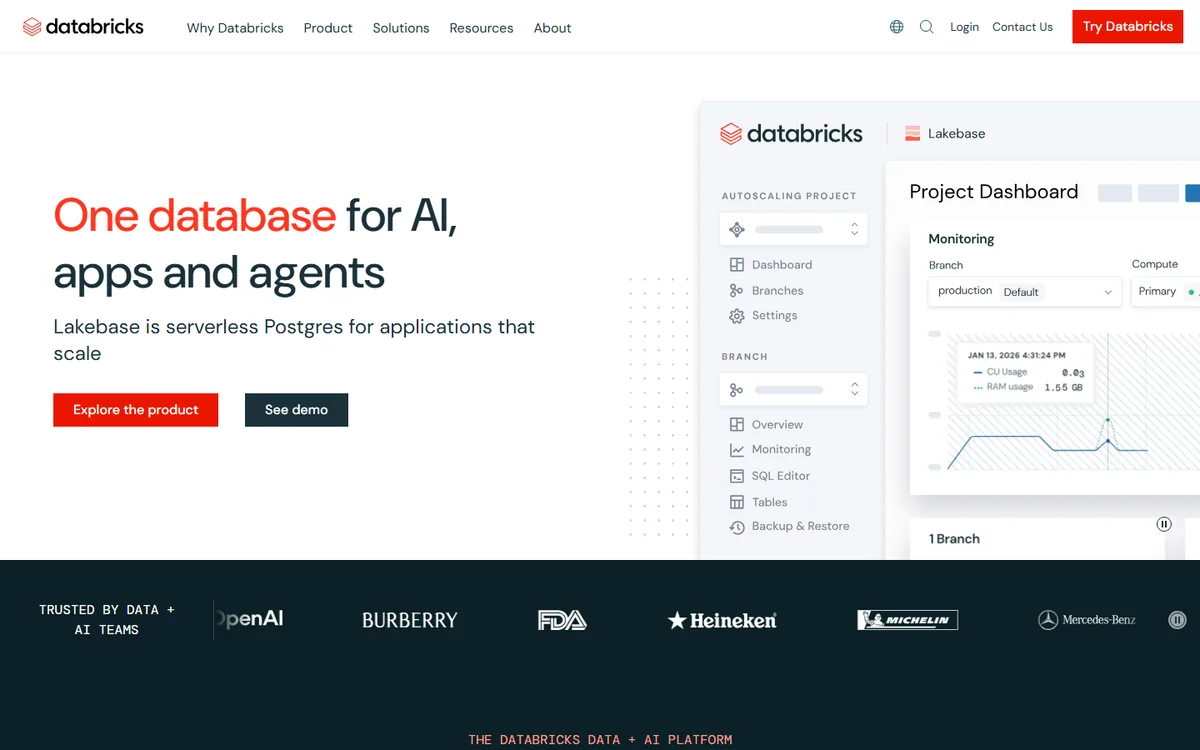
Databricks combines a data lake, a warehouse and machine learning tools in one lakehouse platform built on Apache Spark.
Databricks is where I send teams that have data scientists and engineers working side by side. Notebooks, jobs, SQL analytics and model training all read the same data, so you avoid copying files between a lake and a separate warehouse. Unity Catalog adds one place for access control and lineage across the platform.
It rewards technical skill. Data engineers will feel at home, while analysts who only write SQL may find a plain warehouse easier. Cluster settings and job design affect cost more than they do on a fully managed warehouse, so plan time for someone on your team to learn the cost controls.
Pros of Databricks
- One platform for pipelines, SQL analytics and machine learning
- Strong open-source roots with open table formats
- Unity Catalog covers permissions and lineage in one place
Cons of Databricks
- The learning curve is steeper for SQL-only analysts
- Costs depend on cluster choices, so someone has to watch them
Databricks Pricing
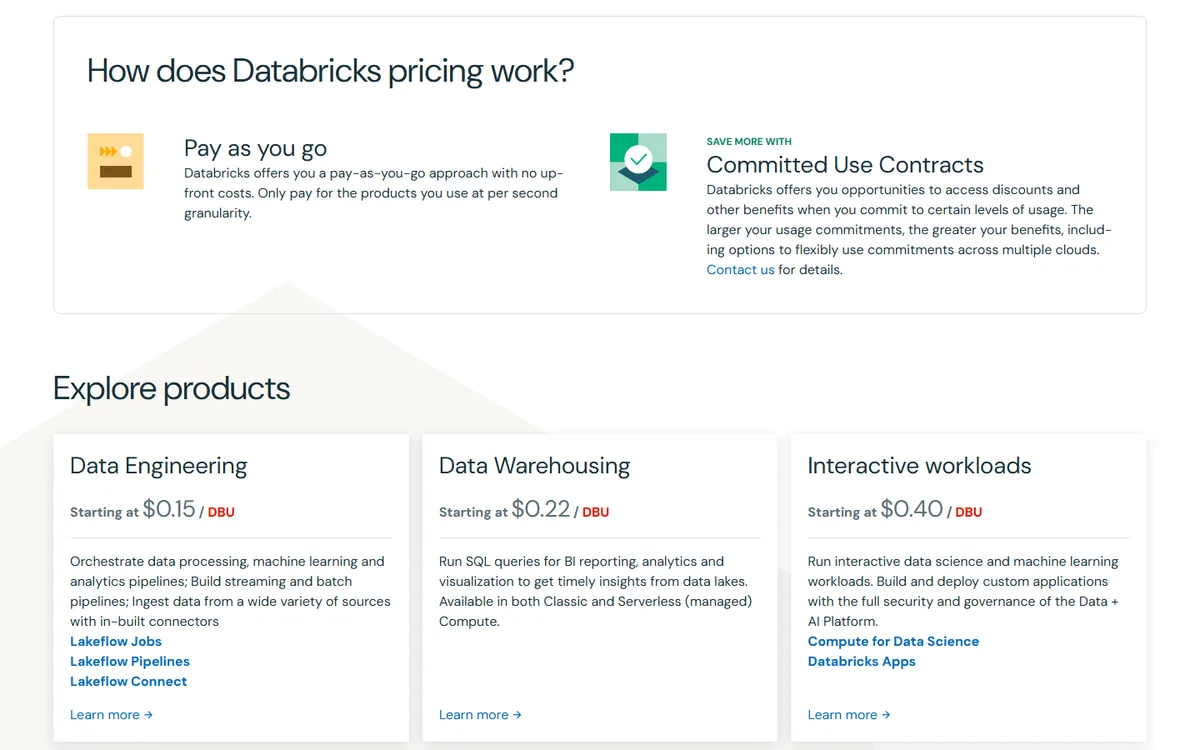
Databricks bills pay-as-you-go with no up-front costs, per second of compute, and offers larger discounts for committed use. Storage and networking costs come from your cloud provider. A free trial is available, and a free Community Edition exists for learning Spark. Per-unit rates vary by cloud, region and product, so check the price list for your setup.
Databricks Reviews
- G2: 4.6/5 average (from 1,405 reviews)
- Capterra: 4.5/5 average (from 23 reviews)
Microsoft Fabric
An All-in-One Choice if Your Company Already Lives in the Microsoft Ecosystem
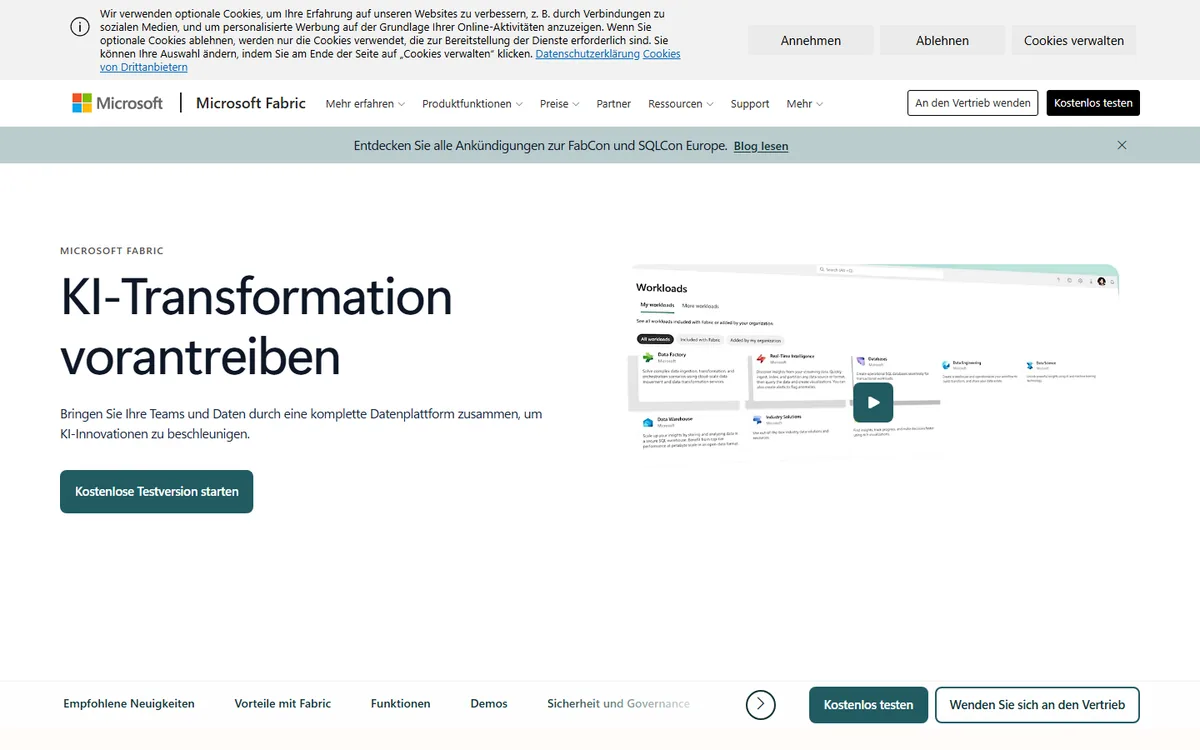
Microsoft Fabric combines Power BI, Azure Synapse and Azure Data Factory in one analytics environment.
Fabric bundles data integration, a lakehouse, a warehouse, real-time analytics and Power BI behind one login and one capacity bill. If your finance and operations teams already live in Power BI, the shortest path to governed data often runs through Fabric, because OneLake keeps everything in one storage layer.
It is also young compared with its rivals, and I treat that as a real factor. Features change quickly, and some teams find capacity sizing confusing at first. Start with a small capacity, run a real workload for a few weeks and watch your usage before you commit to a bigger size.
Pros of Microsoft Fabric
- Power BI, pipelines and storage sit in one environment
- OneLake gives you a single storage layer for all workloads
- Familiar administration for teams that already use Microsoft
Cons of Microsoft Fabric
- The platform changes fast, so features and guidance move
- Capacity sizing takes some practice to get right
Microsoft Fabric Pricing
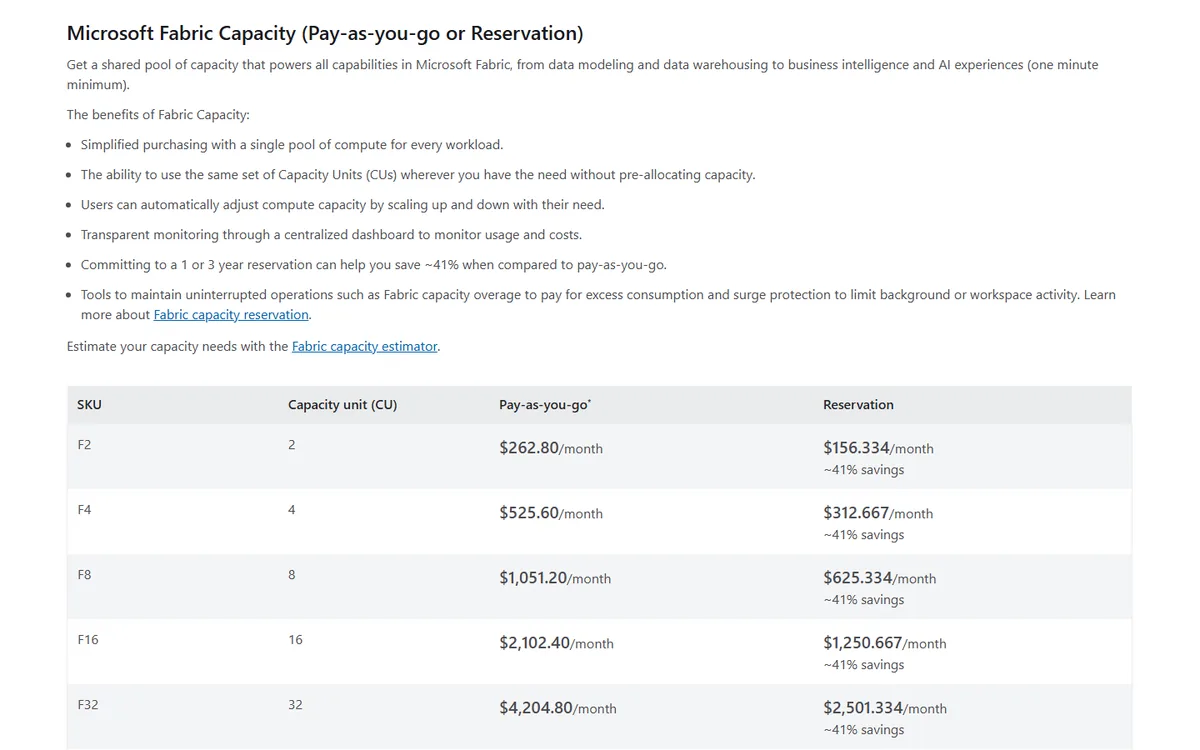
Fabric is sold as capacity in F SKUs, starting with F2, on pay-as-you-go or reserved terms. Microsoft advertises a 60-day free trial with fixed trial capacity per business user. The public pricing page directs you to the Azure pricing calculator for exact rates, so check your region there. Power BI licensing can add to the cost, depending on your capacity size.
Microsoft Fabric Reviews
- G2: 4.6/5 average (from 47 reviews)
Google BigQuery
The Easiest Way to Start a Warehouse With No Servers and a Free Monthly Allowance
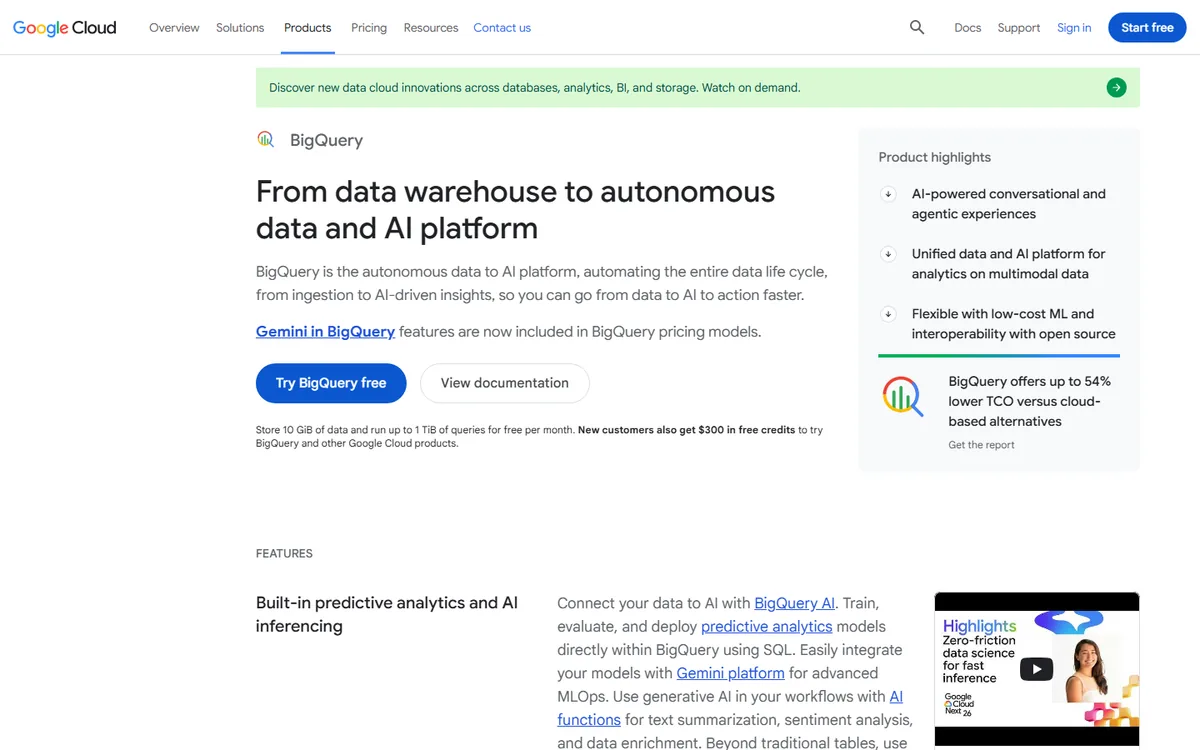
BigQuery is a serverless data warehouse that runs SQL over very large tables without any infrastructure for you to manage.
BigQuery is the warehouse I suggest to teams who want results this month, not next quarter. You load tables, write SQL and pay for what you query. There are no clusters to size, and the free monthly allowance means a small project can run at almost no cost while you learn.
The model has a trap. On-demand pricing charges by data scanned, so a careless query against a huge table costs real money. Partition and cluster your large tables, and set per-query and per-project limits. Once your usage is steady, switch to capacity pricing for predictable bills. If you want to see what finished setups look like, my data management examples show results from real programs.
Pros of Google BigQuery
- No infrastructure to manage and fast setup
- A free monthly query and storage allowance for small projects
- Works well with Google Analytics, Ads and other Google sources
Cons of Google BigQuery
- On-demand queries can get expensive without partitioning and limits
- Best value if you are already on Google Cloud
Google BigQuery Pricing
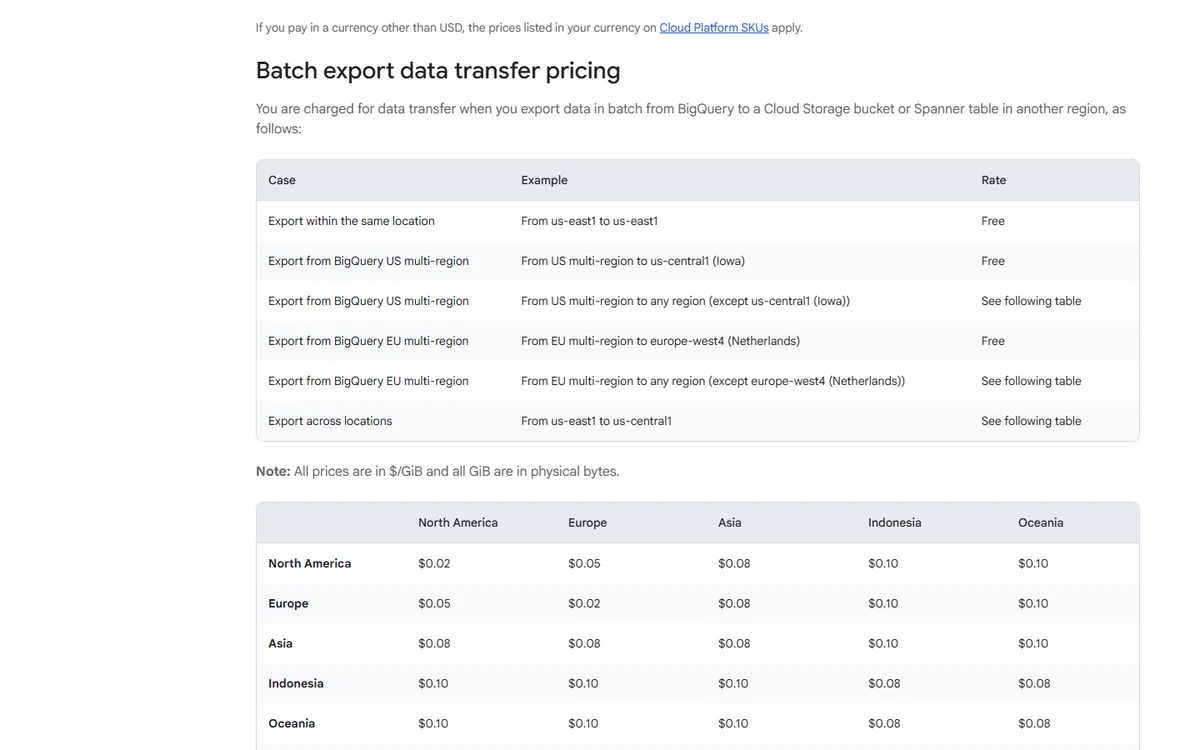
BigQuery on-demand pricing is $6.25 per TiB queried, with the first 1 TiB each month free. Active logical storage costs about $0.023 per GiB per month, with the first 10 GiB free, and tables untouched for 90 days drop to roughly half price. Capacity pricing runs per slot-hour: $0.04 for Standard, $0.06 for Enterprise and $0.10 for Enterprise Plus pay-as-you-go in Iowa, with lower rates for one- and three-year commitments. Prices vary by region.
Google BigQuery Reviews
- G2: 4.5/5 average (from 1,239 reviews)
- Capterra: 4.6/5 average (from 37 reviews)
Informatica
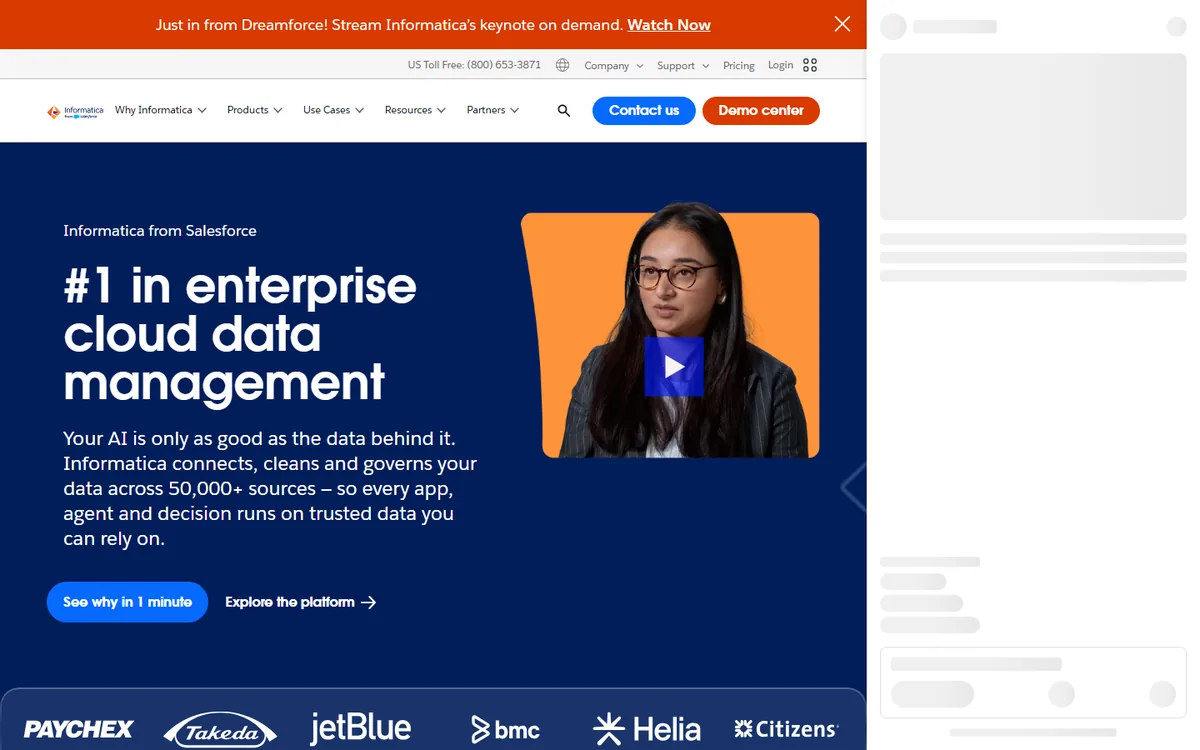
The Broadest Enterprise Suite for Integration, Quality, Catalog and Master Data
Informatica's Intelligent Data Management Cloud covers integration, data quality, cataloging and master data management in one service.
Informatica is the name I hear most in large, regulated companies with many legacy sources. Its cloud suite connects to a very wide range of systems, and the same vendor offers data quality, a catalog, governance and master data. For a company that wants fewer vendors, that breadth is the main argument.
The trade-off is weight. Implementations usually involve a partner, the licensing model needs careful reading, and smaller teams can find the suite more than they need. If your needs are one pipeline tool and one warehouse, a lighter product will cost less and ship faster.
Pros of Informatica
- Connectors for a very wide range of enterprise and legacy systems
- Integration, quality, catalog and master data from one vendor
- Proven in large and regulated environments
Cons of Informatica
- Heavy for small teams and simple needs
- Consumption licensing takes effort to understand and forecast
Informatica Pricing
Informatica uses consumption-based pricing measured in Informatica Processing Units, which give access to eligible cloud services. Master data management is priced per domain records. The pricing page lists no prices and offers a quote instead, so expect a sales conversation. Admins get dashboards and threshold alerts to track usage.
Informatica Reviews
- G2: 4.2/5 average (from 283 reviews)
- Capterra: 4.2/5 average (from 6 reviews)
Qlik Talend Cloud
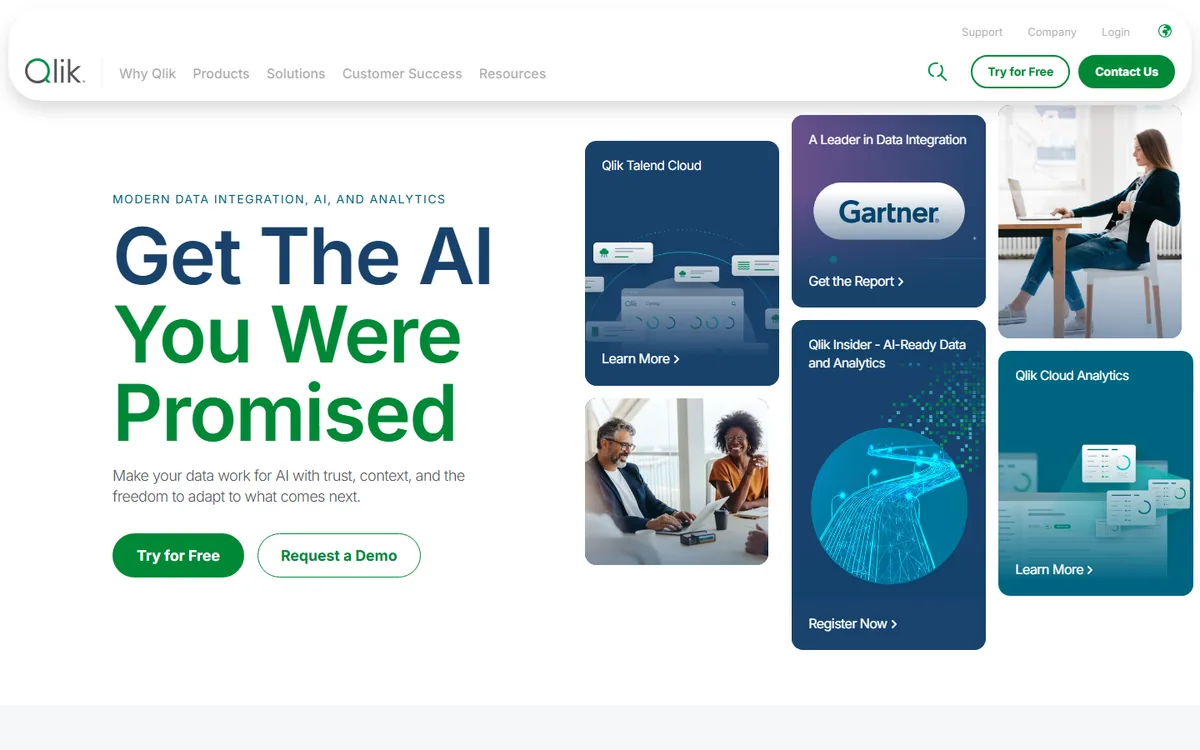
A Flexible Integration Toolkit That Grows From Simple Pipelines to Full Data Products
Qlik Talend Cloud brings Talend's integration and data quality tools together with Qlik's replication and analytics.
Talend built its name on open-source integration, and Qlik now sells the cloud product under its own banner. You can start with simple pipelines into a warehouse and add change data capture, transformations, lineage and quality profiling as you move up the tiers.
I like products that let you start small, and this one does. The risk is tier choice. Features such as ELT transformations and quality profiling sit in the higher tiers, so list the features you need before you ask for a quote. Also check how the Qlik and Talend parts fit together in your version.
Pros of Qlik Talend Cloud
- Tiers that let you start with simple pipelines and grow
- Change data capture and quality profiling in the same family
- Cloud, client-managed or hybrid deployment in higher tiers
Cons of Qlik Talend Cloud
- Important features sit in the higher tiers
- The merged Qlik and Talend lineup can be confusing to navigate
Qlik Talend Cloud Pricing
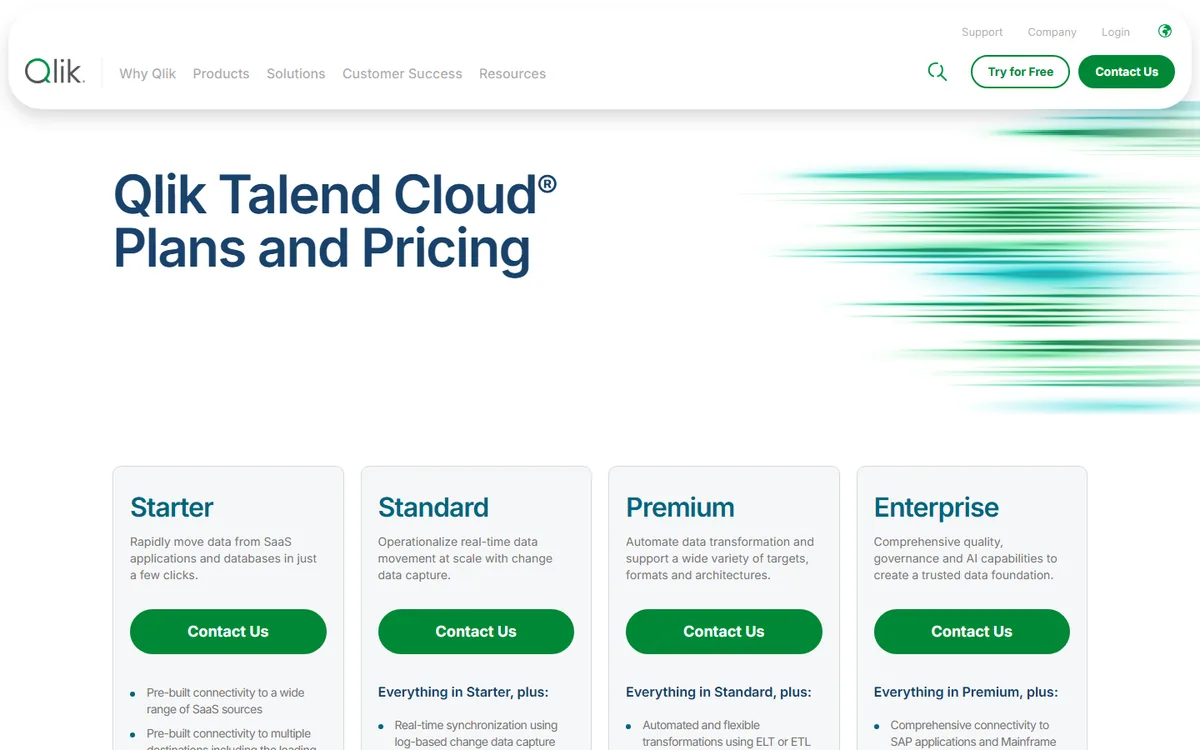
Qlik Talend Cloud comes in four tiers: Starter, Standard, Premium and Enterprise. Qlik publishes no prices; each tier has a contact button, and pricing depends on subscribed capacity measured by data volume moved, job executions and execution duration. Starter covers basic SaaS and database loads into cloud warehouses, and each higher tier adds features such as CDC, transformations, lineage and SAP connectivity.
Qlik Talend Cloud Reviews
- G2: 4.3/5 average (from 103 reviews) for Talend Cloud Data Integration
Fivetran
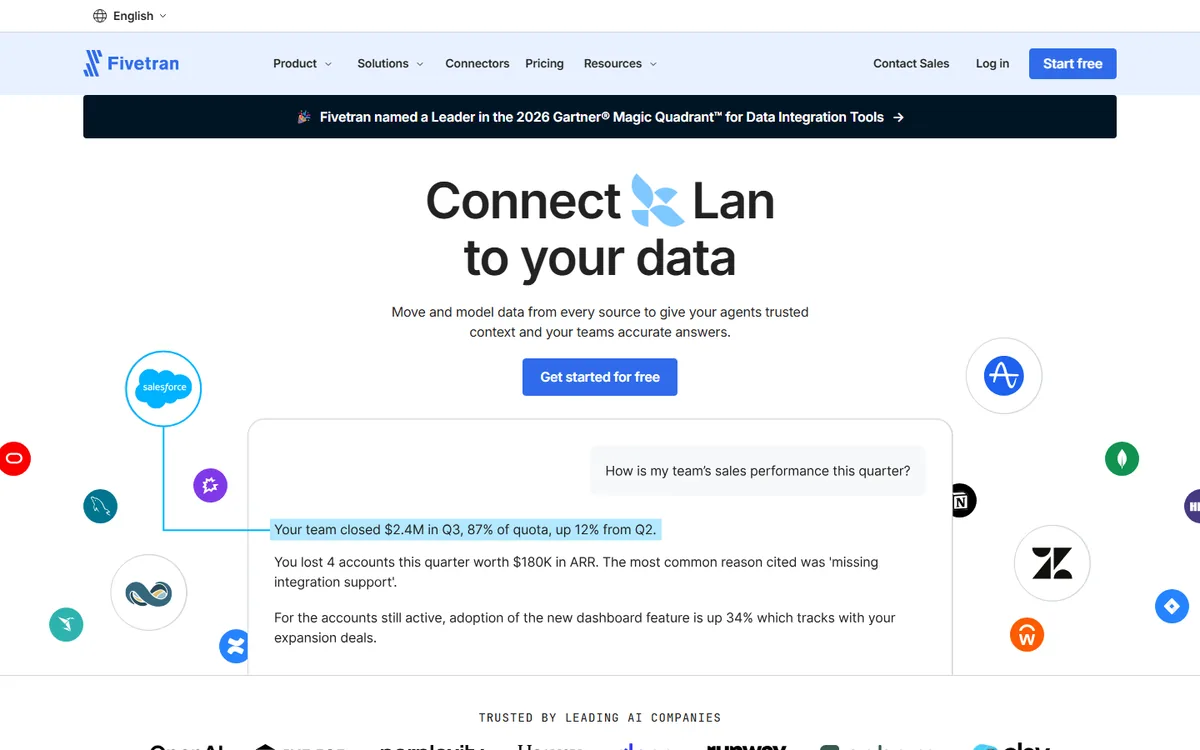
Hands-Off Pipelines for Teams That Would Rather Not Maintain Connectors
Fivetran copies data from hundreds of sources into your warehouse and keeps the connectors working as the sources change.
Fivetran solves a boring problem very well. You pick a source such as Salesforce, a database or an ad platform, point it at your warehouse and the data arrives, with schema changes handled for you. For a small data team, not writing and repairing connectors is worth a lot.
The cost model needs attention. Fivetran charges by monthly active rows, so a noisy source that updates millions of rows can cost more than you expect. Check which tables really need syncing, and look at the usage report every month. It moves data and does not govern it, so you still need rules on top. The data management framework I use explains where each of these tools fits in the bigger picture.
Pros of Fivetran
- Hundreds of managed connectors that adapt to source changes
- Quick setup, often within an afternoon for common sources
- A free plan to try the product on small volumes
Cons of Fivetran
- Pricing by monthly active rows can climb with noisy sources
- It moves data but does not manage quality or ownership
Fivetran Pricing
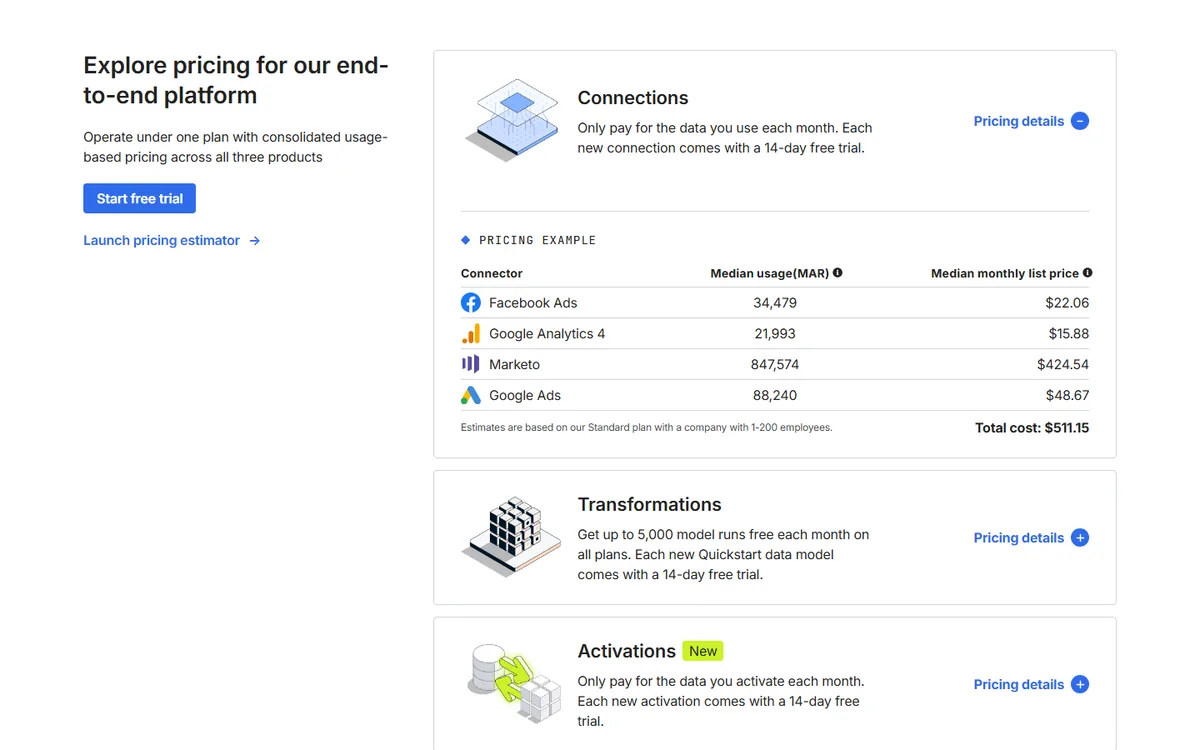
Fivetran has Free, Standard, Enterprise and Business Critical plans. The Free plan includes 500,000 monthly active rows for connections, and paid plans price connections by monthly active rows, with the rate per row falling as volume rises. Standard connections carry a $5 base charge for 1 to 1M rows per month. Transformations are priced per successful model run, with the first 5,000 free. Annual contracts can save up to 22%.
Fivetran Reviews
- G2: 4.3/5 average (from 857 reviews)
Collibra
A Mature Governance Platform for Companies That Need Stewards, Policies and Audit Trails
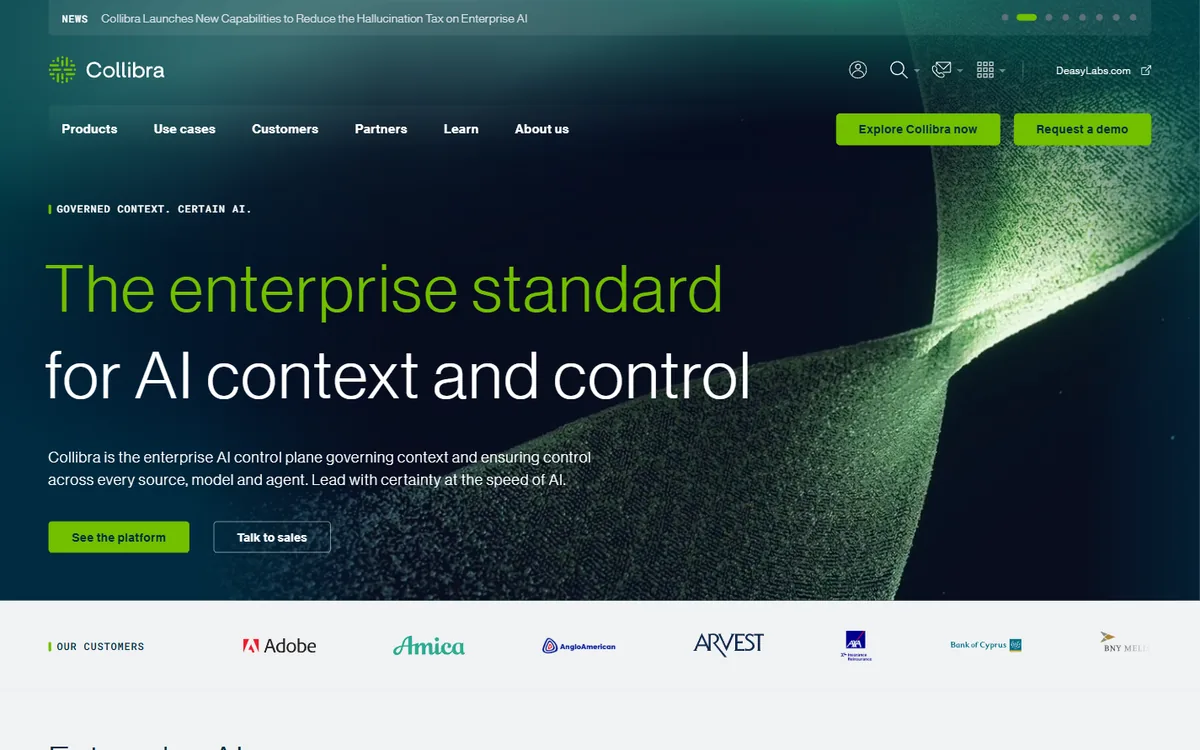
Collibra is a data intelligence and governance platform with a catalog, a business glossary and workflows for stewardship.
Collibra is the tool I see chosen when governance has executive backing and a team behind it. The business glossary, policy management and workflows give data stewards a place to agree on definitions, approve changes and answer auditors. It connects to most major warehouses and BI tools to harvest metadata.
It pays off only if people use it. I have seen expensive installations turn into empty glossaries because nobody owned them. Name your stewards and your first three domains before you sign, and treat the software as support for a governance program, not a replacement for one.
Pros of Collibra
- Strong glossary, policy and workflow features for stewardship
- Connects to most major warehouses and BI tools
- Suited to audit-heavy and regulated settings
Cons of Collibra
- Needs real organizational effort, or it turns into shelfware
- Setup is heavier than newer catalog tools
Collibra Pricing
Collibra does not publish prices. Pricing is by quote and depends on the products and the scale you need, so plan for a sales process and ask for a proof of concept. Compare the quote against lighter catalog tools before you decide.
Collibra Reviews
- G2: 4.2/5 average (from 104 reviews)
Atlan
A Catalog Built for Modern Data Teams That Want Adoption, Not Just Inventory
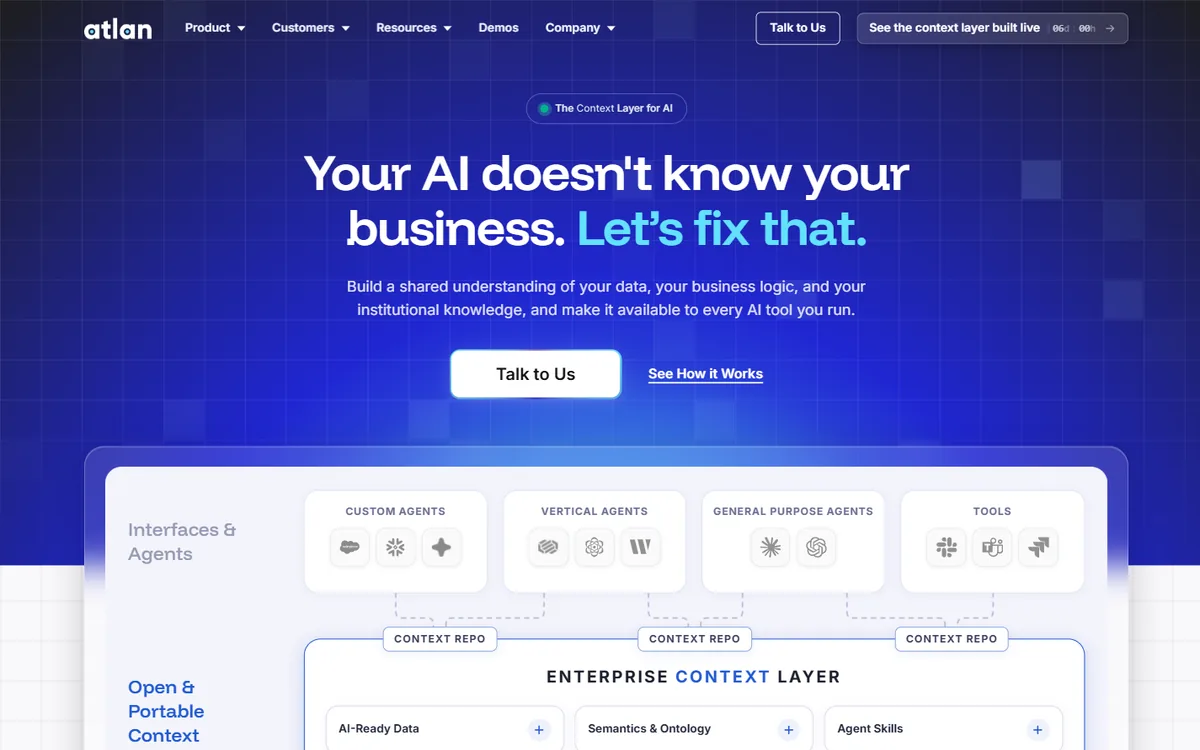
Atlan is a data catalog and metadata platform with lineage, a glossary and a workspace that feels like the tools your team already uses.
Atlan has a reputation for being pleasant to use, and I think that matters more than most buyers expect. A catalog only works when analysts open it, and Atlan's search, lineage and Slack-style collaboration make that more likely than with heavier governance suites.
It fits cloud-first stacks with tools such as Snowflake, Databricks and dbt. If you need deep policy workflows for a regulated enterprise, compare it with Collibra. Atlan's pricing page is a sales contact form, so ask for a quote early and test it with a real domain, not a demo. To plan the rollout of whatever you choose, the data management roadmap shows the order I recommend.
Pros of Atlan
- Clean interface that analysts actually use
- Column-level lineage across modern data stack tools
- Quick to roll out for cloud-first teams
Cons of Atlan
- Less formal policy and workflow depth than the largest governance suites
- No public prices, so budgeting needs a sales call
Atlan Pricing
Atlan does not publish prices. Its pricing page is a sales contact page, and plans are quoted per company. Ask for a trial or proof of concept on one domain, and request the full price including connectors, users and support.
Atlan Reviews
- G2: 4.5/5 average (from 135 reviews)
Ataccama ONE
A Data Quality and Master Data Platform for Teams Whose Main Pain Is Bad Records
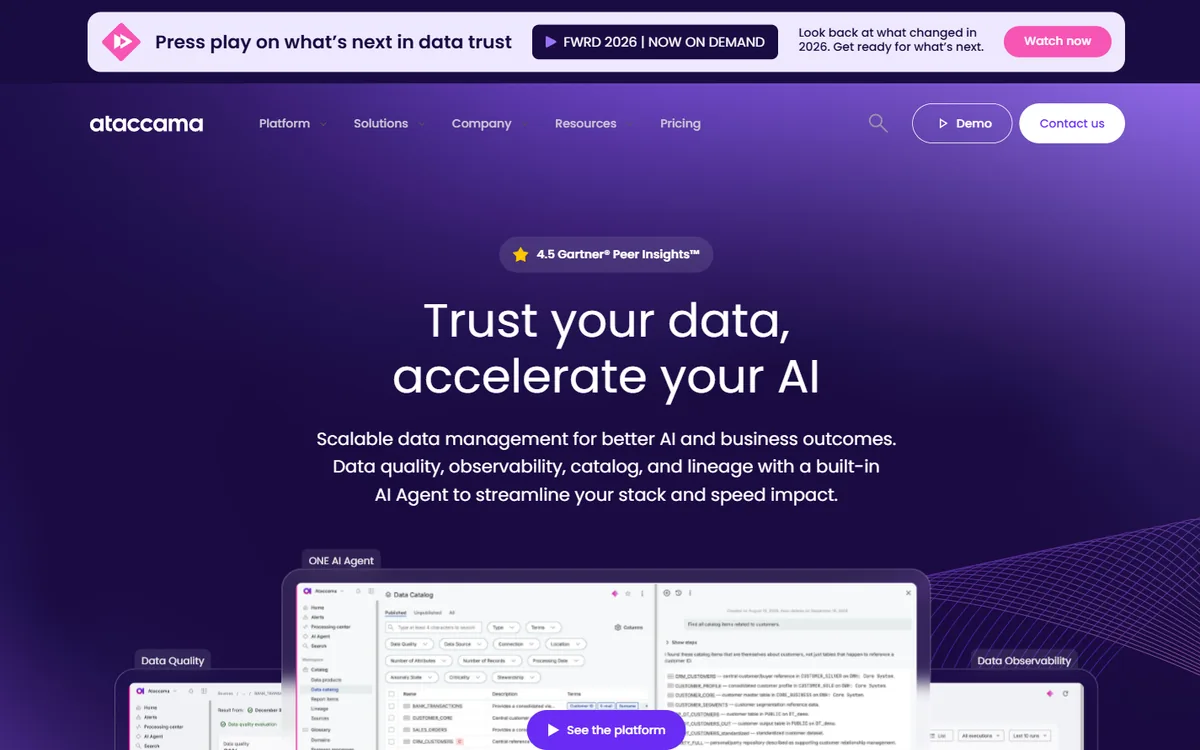
Ataccama ONE combines data quality, a catalog, master data management and observability in one platform.
Ataccama is a good fit when your problem is the data itself: duplicates, missing values and conflicting records across systems. Its quality rules, profiling and matching engine let you define a rule once and apply it across sources, and the platform shows scores your business users can read.
It has a smaller review base than the big names, so I would test it carefully. Run a pilot on one messy domain such as customers, measure the duplicate rate before and after, and judge the product on that number. If the pilot works, the case for a wider rollout is easy to make.
Pros of Ataccama ONE
- Quality rules, profiling and matching in one place
- Master data management alongside the catalog
- Quality scores that business users can understand
Cons of Ataccama ONE
- Fewer public reviews than the largest vendors
- Pricing is not published, so you need a quote to compare
Ataccama ONE Pricing
Ataccama does not publish prices; Capterra lists the starting price as contact the vendor and mentions a free trial. Ask for a pilot on a single domain and a written quote that names every module you would need.
Ataccama ONE Reviews
- G2: 4.2/5 average (from 12 reviews)
Estimate the Return on Data Management Software
Before you pick a plan, check whether the numbers work for you. Enter the manual hours your team spends preparing, fixing and reconciling data and the monthly price of the tool you are considering, and you will see what it could return in a year.
Will the Tool Pay Off for You?
Move the sliders to match the work you want to automate and the plan you are considering.
How to Choose the Right Data Management Software
In my experience, fit with your data and your team decides more than any feature list. Before you compare vendors, I suggest you answer four questions:
- Which problem hurts most today: moving data, storing it, cleaning it or governing it?
- Where does your data already live, and which cloud does your company use?
- How much data do you handle, and how fast will it grow?
- Who will run the tool: analysts, engineers or an outside partner?
If you want a warehouse with little to manage, shortlist Snowflake and BigQuery. If engineers and data scientists share work, look at Databricks, and if you run on Microsoft, test Fabric. For ingestion, compare Fivetran and Qlik Talend Cloud. For governance and quality, compare Collibra, Atlan and Ataccama, and add Informatica if you want one vendor for many jobs. A short pilot with your own data tells you more than any comparison table.
Questions About Choosing Data Management Software
What Is the Best Data Management Software for Small Businesses?
For most small teams I recommend starting with Google BigQuery or Fivetran's free plan. BigQuery gives you a warehouse with a free monthly query allowance and no servers to run, and Fivetran's free plan moves a modest amount of data from your business apps into it. Both let you prove value before you spend real money. Add a catalog like Atlan only once several people share the data.
What Is the Difference Between Data Management Software and a Data Governance Tool?
Data management software is the wider category. It covers moving, storing, transforming and protecting data. A governance tool such as Collibra or Atlan sits on top and records what the data means, who owns it and who may use it. Most companies need a platform first and a governance layer second.
Which Data Management Software Is Best for Large Enterprises?
In the enterprise projects I see, Snowflake, Databricks, Informatica and Collibra come up most often. They handle high volumes, many sources and strict security needs, and they have partner ecosystems that can help you implement them. If your company runs on Microsoft, look closely at Fabric, because part of the licensing may already be in place.
How Much Does Data Management Software Cost?
It ranges from free tiers to six-figure annual contracts. Warehouse and lakehouse platforms such as Snowflake, Databricks and BigQuery charge for what you use. Enterprise integration and governance products such as Informatica, Collibra and Ataccama usually need a quote. Your real cost depends on data volume, number of users and how often your jobs run, so test with a pilot before you commit.
Do I Need More than One Data Management Tool?
Almost always, yes. A common setup is one platform for storage and compute, one tool for ingestion and one catalog or quality tool on top. Decide which tool owns which job before you buy, so you avoid overlapping licenses and unclear responsibility.
Is Open-Source Data Management Software Good Enough?
For testing and for technical teams, often yes. Open-source tools give you control and no license fee, but you pay in engineering time for setup, upgrades and monitoring. If nobody on your team wants to own that work, a managed product usually costs less in total.
How Long Does It Take to Implement Data Management Software?
A first pipeline into a cloud warehouse can run in days. A governed platform with ownership, quality rules and a catalog usually takes months, because the slow part is agreeing on definitions and owners, not installing software. Plan the process work alongside the tool rollout.
Heads up: vendors change prices, plans and ratings often. Everything was checked at the last update date, but confirm on each vendor’s website first. This article is not legal or financial advice.
Was this article helpful?
Thank you for letting us know.
Camille leads the Trevio editorial team and works with our consultants to turn real client projects into practical guides on data strategy, engineering and governance. Before joining Trevio, she spent 11 years in data engineering and analytics roles. She has since edited more than 300 articles on data management and reviewed pipelines and platforms from over 100 client projects. She is based in Denver, Colorado.